Create Resume From LinkedIn: Finally Get Noticed By Recruiters
If your hard work isn't translating into interviews, our free LinkedIn resume builder transforms your profile into an optimized document that gets results.
Build My Resume Now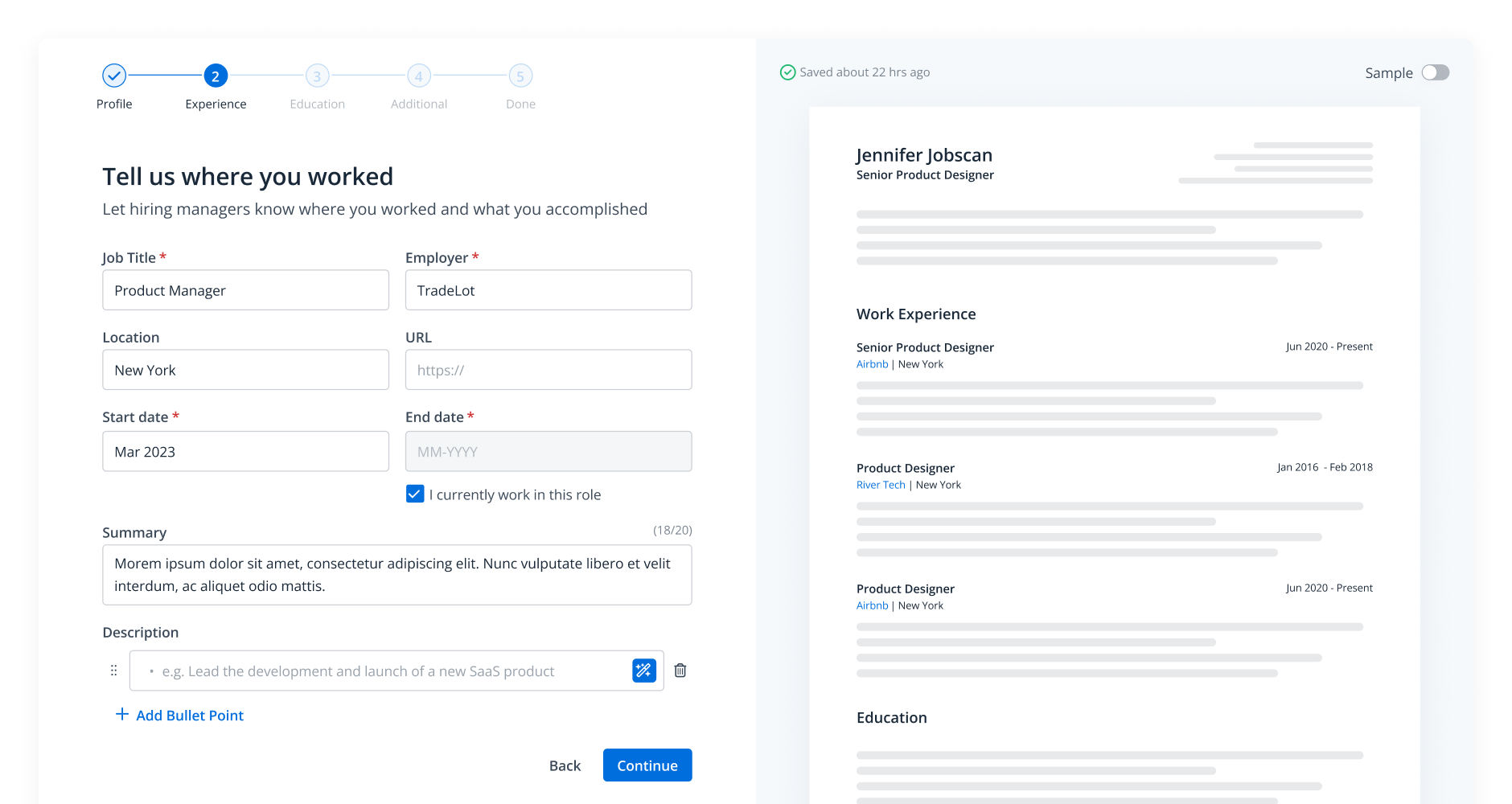


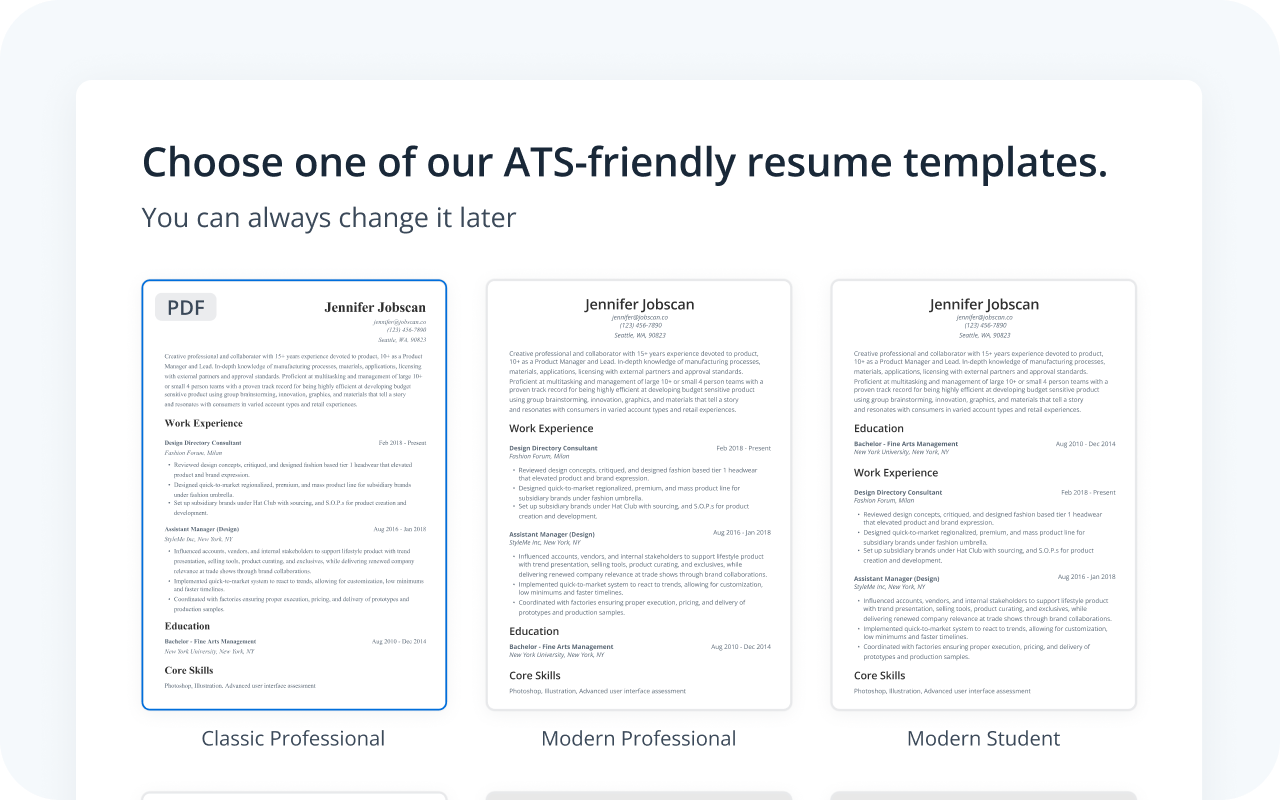
Start building your resume with AI and these ATS-friendly templates
Just click on any template to be taken directly to our resume builder, where the selected template will be pre-loaded and ready for customization. Each template is fully optimized for applicant tracking systems (ATS), giving your resume the best chance of getting noticed by employers.

Why Use Jobscan’s Templates?
All of Jobscan’s templates are
-
ATS-friendly
-
Optimized for readability
-
Clean and professional
-
Aligned with best practices
And all of Jobscan’s templates are free to use in the resume builder.

Why Use Jobscan’s Templates?
All of Jobscan’s templates are
-
ATS-friendly
-
Optimized for readability
-
Clean and professional
-
Aligned with best practices
And all of Jobscan’s templates are free to use in the resume builder.

Why Use Jobscan’s Templates?
All of Jobscan’s templates are
-
ATS-friendly
-
Optimized for readability
-
Clean and professional
-
Aligned with best practices
And all of Jobscan’s templates are free to use in the resume builder.

Why Use Jobscan’s Templates?
All of Jobscan’s templates are
-
ATS-friendly
-
Optimized for readability
-
Clean and professional
-
Aligned with best practices
And all of Jobscan’s templates are free to use in the resume builder.

Why Use Jobscan’s Templates?
All of Jobscan’s templates are
-
ATS-friendly
-
Optimized for readability
-
Clean and professional
-
Aligned with best practices
And all of Jobscan’s templates are free to use in the resume builder.

Why Use Jobscan’s Templates?
All of Jobscan’s templates are
-
ATS-friendly
-
Optimized for readability
-
Clean and professional
-
Aligned with best practices
And all of Jobscan’s templates are free to use in the resume builder.

Why Use Jobscan’s Templates?
All of Jobscan’s templates are
-
ATS-friendly
-
Optimized for readability
-
Clean and professional
-
Aligned with best practices
And all of Jobscan’s templates are free to use in the resume builder.
Instantly create resume from LinkedIn with ATS-optimized designs
Stop wasting hours on formatting and design guesswork. Simply import your LinkedIn profile and choose from professionally designed, ATS-friendly templates to ensure your information is clear and impactful. Your resume will look polished and professional in minutes.
A flexible LinkedIn to resume converter for every application
Your career isn’t one-size-fits-all, and your resume shouldn’t be either. Create, edit, and download unlimited versions of your resume to perfectly target each specific role you apply for. You’ll always have the right resume ready for the right opportunity.
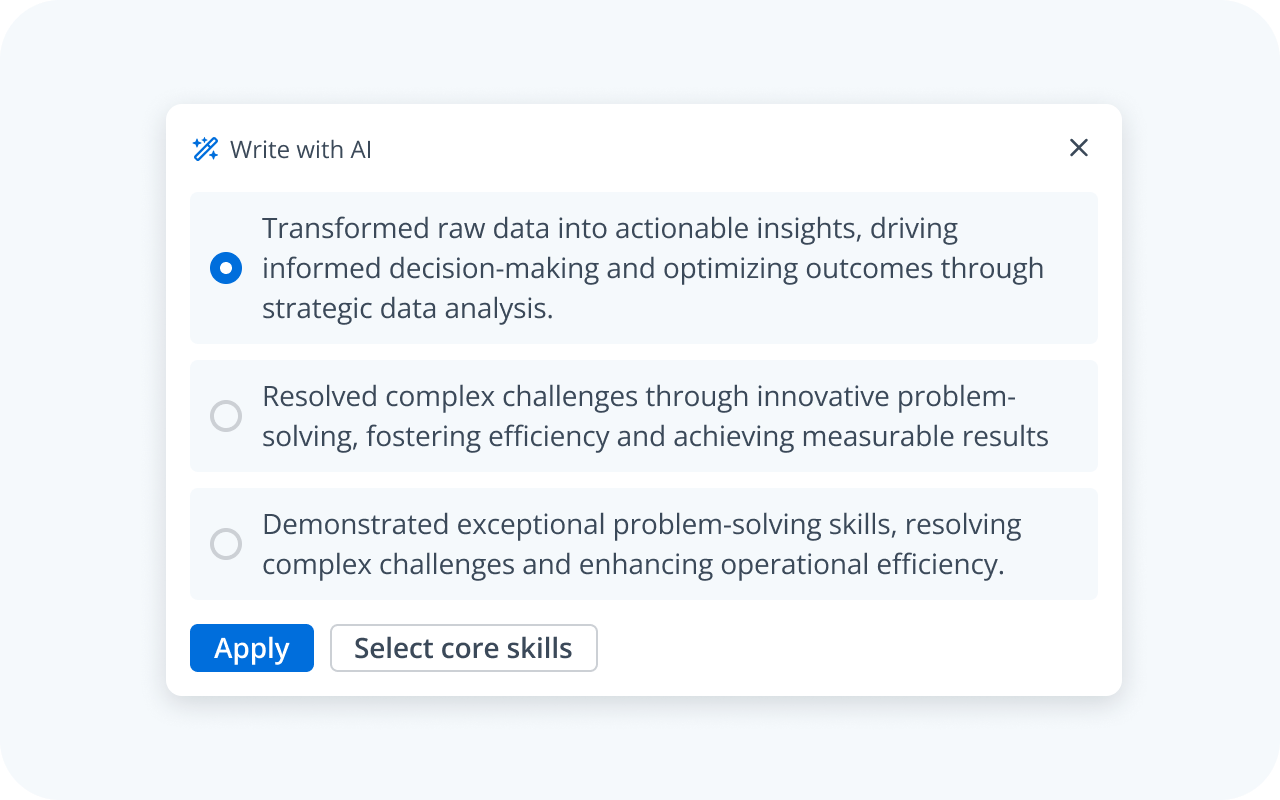
Add high-impact skills recruiters are searching for
Our data-driven insights identify the critical skills and keywords missing from your resume based on your target job title and work history. Confidently add relevant expertise that aligns with what hiring managers and recruiting systems are looking for. This is the final step to a truly interview-winning document.
How to create resume from LinkedIn

Go to the resume builder

Import your LinkedIn profile

Edit your resume

Save as a base resume or download as a PDF

FAQs
You can easily upload your LinkedIn profile PDF, and our tool will automatically parse the information to populate your new resume. From there, you can edit, reformat, and optimize the content using our guided tools.
Yes, our free resume builder from LinkedIn allows you to create, edit, and download an unlimited number of resumes at no cost. Optional premium features like in-depth resume optimization are available, but the core builder is always free.