


Instantly score your resume to see how well it matches the job description.
Cover Letter Generator: Personalized in Seconds
Paste a job description and our AI cover letter generator writes a personalized letter that connects your experience to the role. Ready to edit and send in seconds.
Generate my cover letter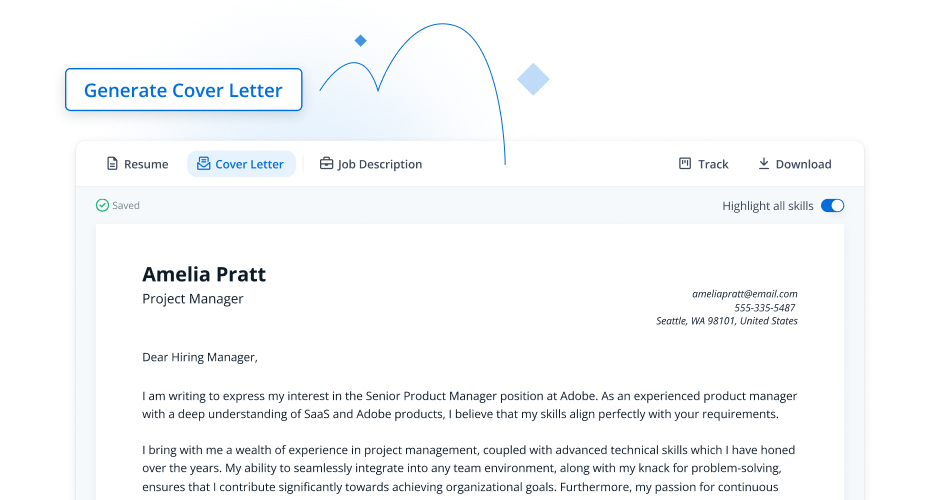
Jobscan users have been hired by
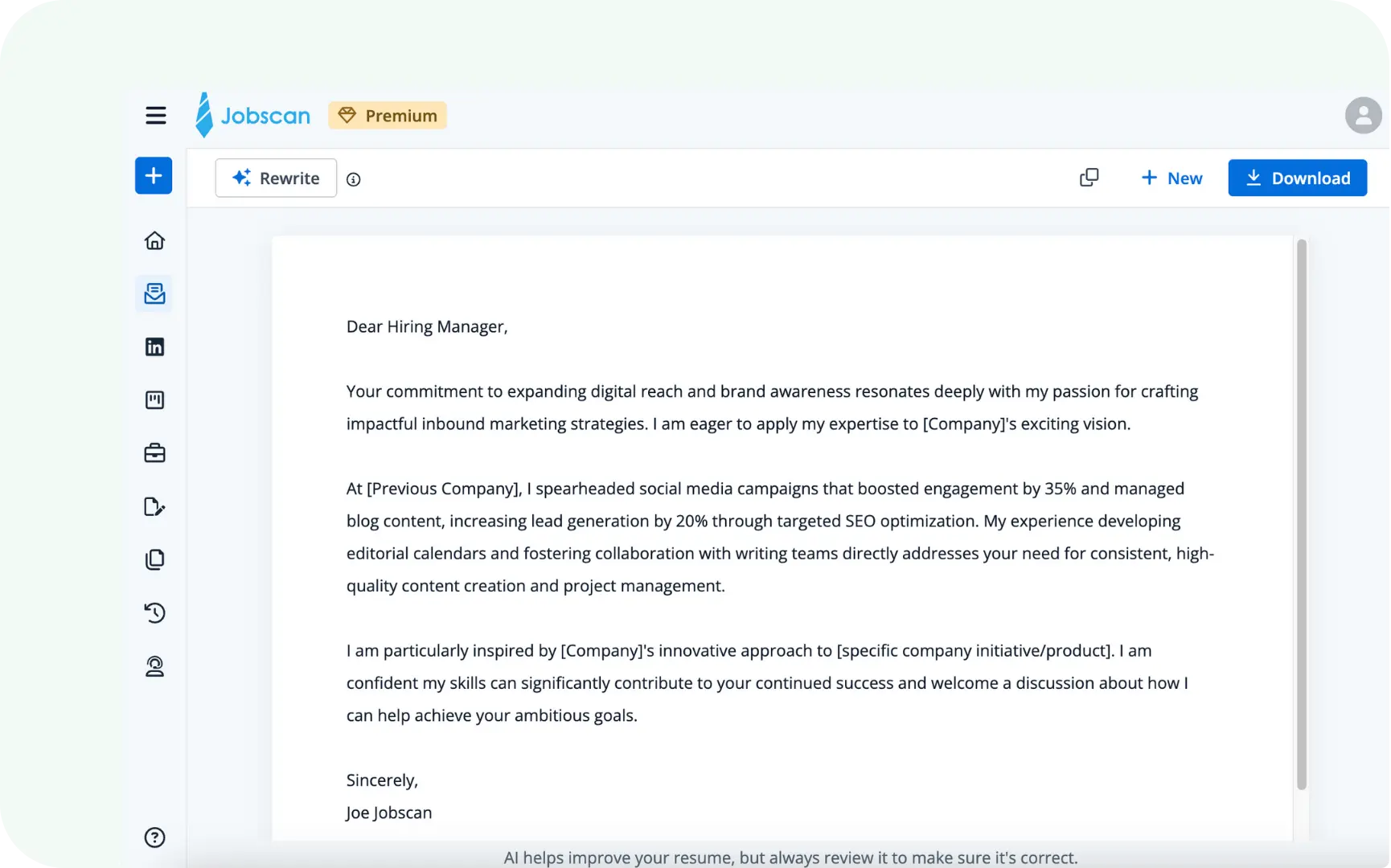
How to generate your cover letter in 4 steps
- From your Jobscan dashboard, click on AI Cover Letter
- Upload your resume and a job description
- Click on Generate Cover Letter
- Refine the generated cover letter as needed or click on Rewrite for a new one
- Download and apply with confidence!
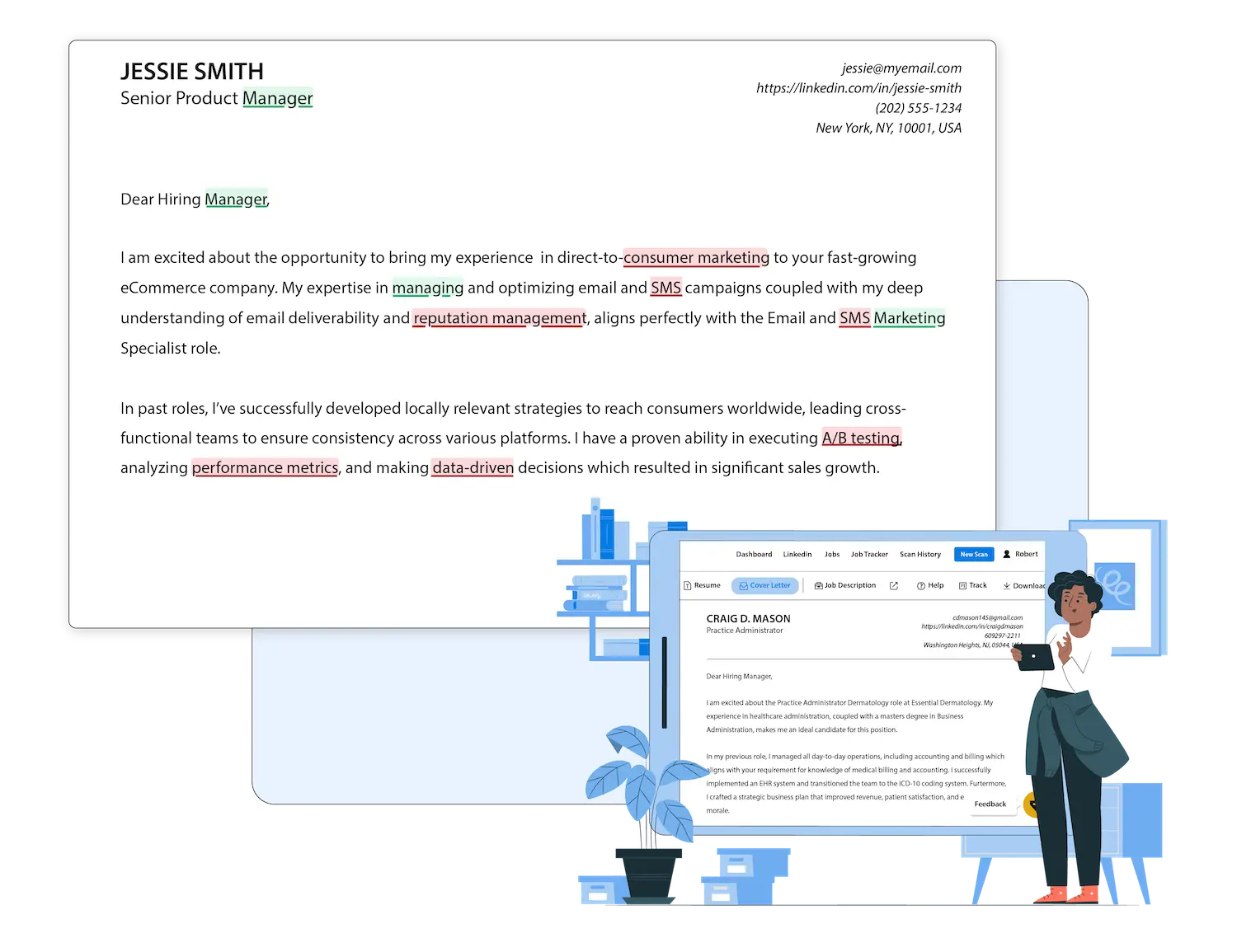
Instantly generate a cover letter from the job description
Our tool analyzes the job description to pinpoint the exact skills and qualifications the hiring manager is looking for. It then strategically includes them in your letter, ensuring your application immediately communicates your value and relevance for the role.

Our cover letter writer AI helps you get seen by recruiters
We ensure your cover letter is formatted for modern applicant tracking systems (ATS) and includes the critical keywords recruiters search for. This data-driven approach means you can apply with confidence, knowing your qualifications are positioned for success.

Every cover letter, saved and organized
Every cover letter you create is automatically saved and linked to the specific role in your Job Tracker. This seamless organization from our application letter maker gives you a clear view of your progress, so you’re always prepared when a recruiter calls.
Enjoy all of Jobscan’s premium features
during your free trial
The Jobscan tool is an all-in-one solution to make your job search easier and faster. With your free trial, you’ll get access to all of Jobscan’s most powerful features, including:
Create my cover letter
Resume Score

Match Report
Get a detailed report showing how your resume aligns with ATS requirements and job qualifications.

Resume Builder
Create an ATS-friendly resume from scratch in minutes.

Resume Summary Generator
Craft a personalized, professional summary tailored for ATS resumes.

Resume Bullet Points Generator
Craft a personalized, professional summary tailored for ATS resumes.

Job Application Tracker
Organize and track your applications, interviews, and follow-ups effortlessly.

AI Optimize
Optimize your resume in a single click with AI-powered suggestions for precision and clarity.
Your Complete Job Search Toolkit
Explore More Features
FAQs
The generator writes a strong first draft from your resume’s real achievements and the job’s requirements, so it starts from your actual experience, not a generic template. From there you edit the wording directly until it reads the way you’d say it.
ChatGPT can write a general draft, but it doesn’t know how applicant tracking systems read your letter or which keywords a specific job calls for. Jobscan’s cover letter generator pulls the exact skills and terms from the job description and formats the letter to parse cleanly, so it’s built for the application, not just for reading.
You can generate cover letters free during your 7-day Jobscan trial. After that, the cover letter generator is part of Jobscan Premium, which unlocks unlimited cover letters alongside the Resume Scanner, Resume Builder, and LinkedIn tools.
A cover letter builder is a tool that helps you create a professional, tailored letter quickly and easily. It’s a great option if you want to save time and improve the quality of your applications.
Yes, tailoring your cover letter for each job is important. A good generator can help you quickly align your letter with the job description by including relevant skills and keywords.
Jobscan’s cover letter builder is part of a suite of tools that also includes resume optimization, a resume builder, and LinkedIn optimization to help you create a complete, polished application.
Your cover letter should add context to your resume rather than repeat it, expanding on the experience most relevant to the role. Jobscan’s generator works from both your resume and the job description, so the draft pulls forward the points that matter most for that specific job.
Right now, Jobscan’s cover letter generator exports to PDF rather than Word. PDF preserves your formatting and is widely accepted across application portals and ATS, so your letter looks exactly the way you intended when a recruiter opens it.
Not at all. Simply paste the job description and upload your resume, and our guided process will walk you through creating a professional cover letter in just a few clicks.