Tailor Your Resume in One Click with AI Optimize
Jobscan's AI resume optimization is a faster, more intuitive way to tailor your resume to a specific job description. See clear, in-context suggestions that you can accept with a single click.
Optimize my resume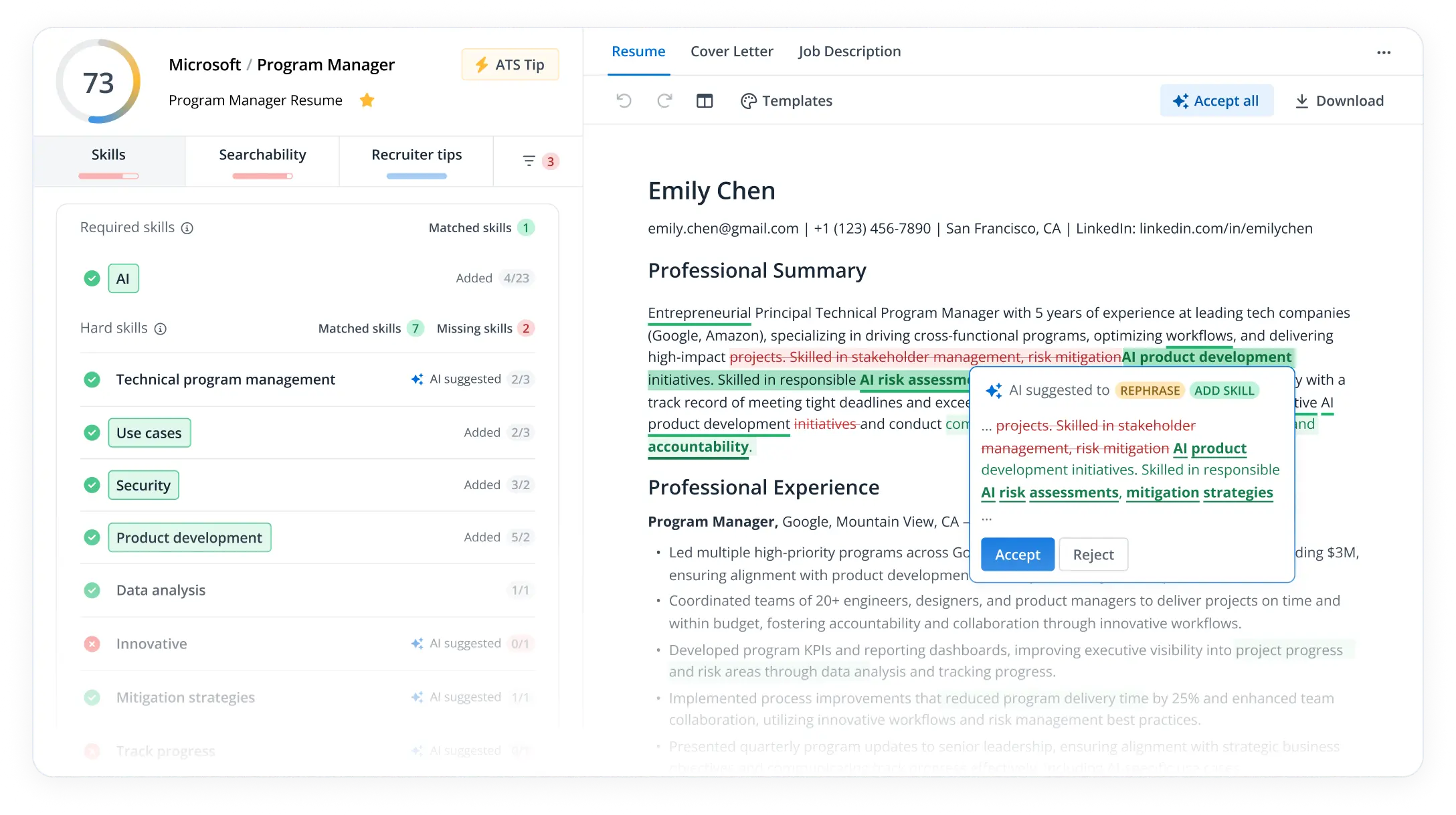





Tailor your resume with in-context AI suggestions
Smarter, simpler, faster resume tailoring. All with the peace of mind that comes from knowing that your original content is preserved and that you have full control.
- AI suggestions tied to the job's required skills.
- Preserves original content when uploaded.
- Real-time Match Rate boost as changes are accepted.
- Faster path to a job-ready resume.
- Full control to Accept/Reject AI suggestions.
Get a job-ready resume in under 5 minutes
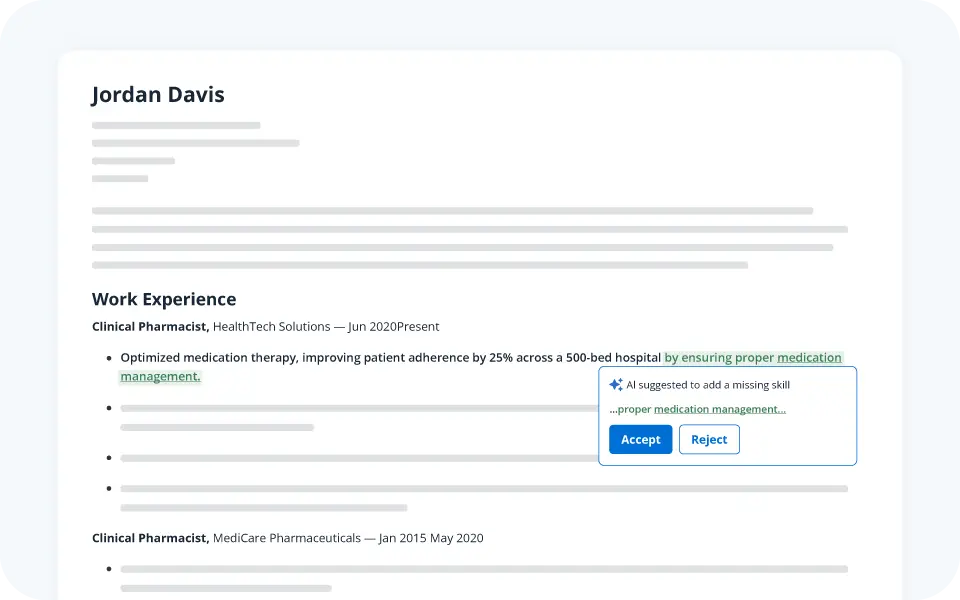
Go from a generic resume to a tailored, job-winning document in less time than it takes to read the morning news. Our AI-guided workflow is designed to be fast and efficient, so you can spend less time editing and more time applying for the jobs you really want.
How AI Optimize works:
- Upload your resume and the job description.
- Choose AI Optimize.
- View your resume in plain text, without formatting constraints.
- Accept or reject AI suggestions with a click.
- Download your optimized resume as a document or immediately add it to Job Tracker.
Preserve your original content and formatting
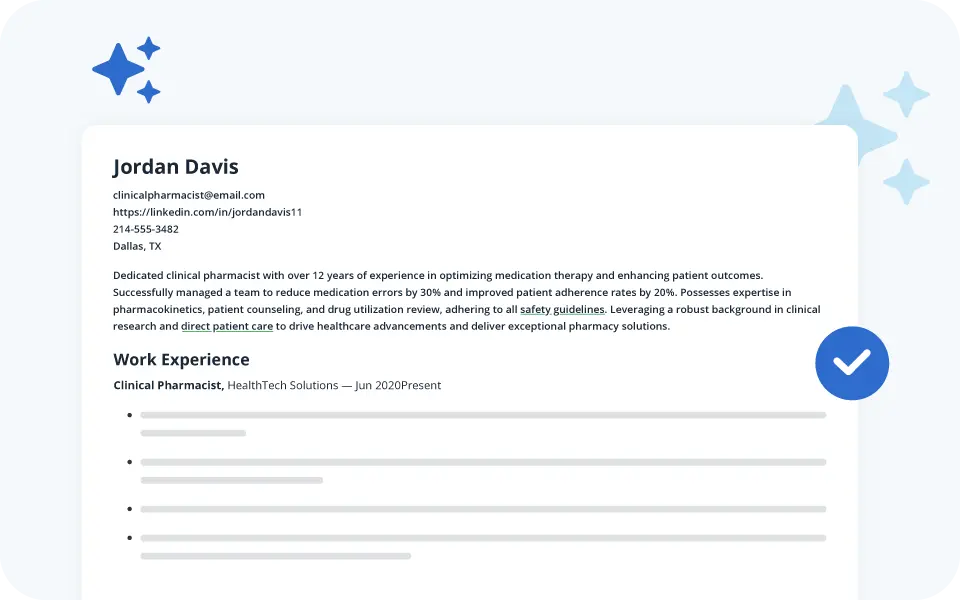
Stop worrying about formatting and templates. Upload your resume, and our technology will preserve your original content and layout. No more rebuilding your resume from scratch or dealing with messy templates.
Your resume, your content, tailored for the job you want.
Maintain full control with one-click accept/reject
You are always in the driver’s seat.
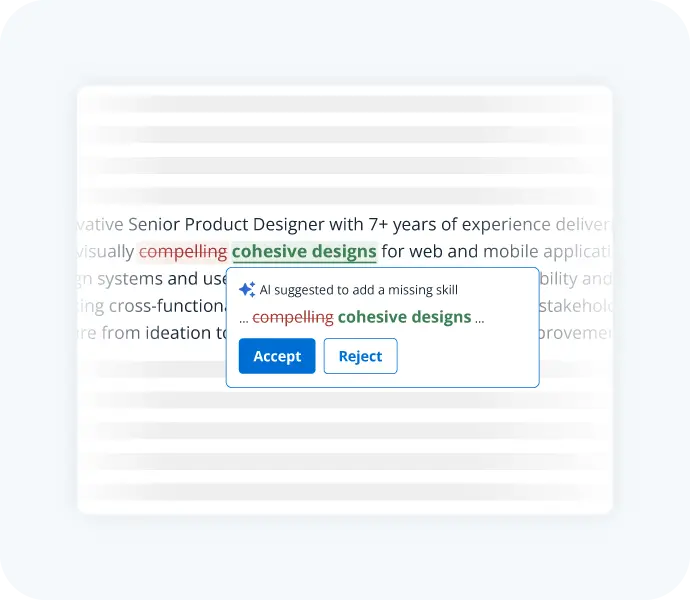
Our AI provides the suggestions, but you have the final say. Easily accept or reject any recommendation with a single click.
This is your career, and you have full control over your resume and your job search.
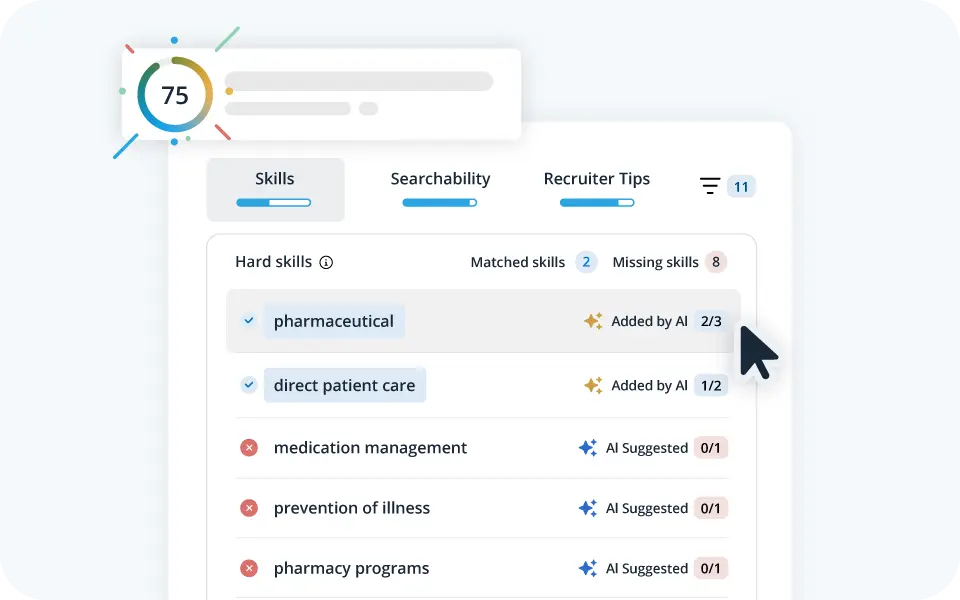
See your real-time Match Rate soar
Watch your resume’s Match Rate increase in real-time as you accept suggestions.
Our instant feedback loop shows you exactly how your changes are improving your resume’s alignment with the job description. Be confident that your resume is ready to impress recruiters and hiring managers.
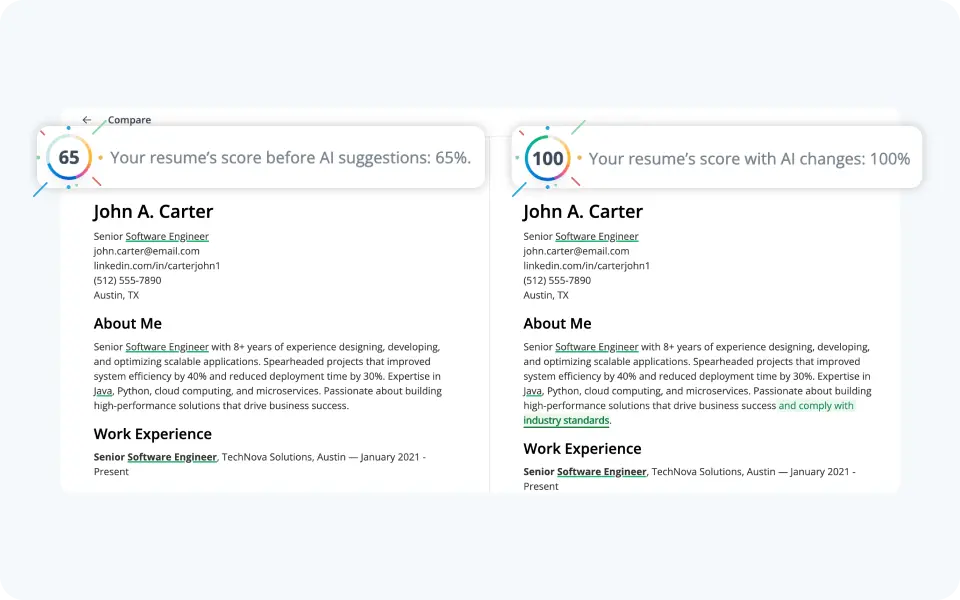
See your suggestions side-by-side
As you accept AI suggestions, use compare mode to see all the changes to your document side-by-side. This view has your starting Match Rate and new Match Rate, so you can see on one screen just how much your resume has improved.
Click on the three dots icon on the top righthand side of your workspace and select “Compare” to see this view.
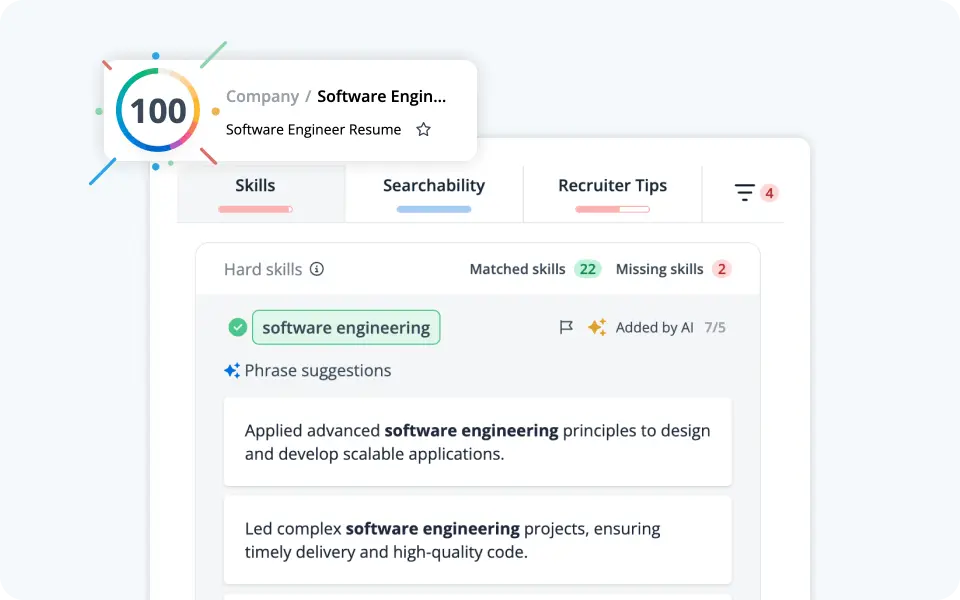
Use AI phrase generation to write your resume bullet points
Overcome writer’s block by rephrasing your bullet points with AI. Once you accept all your AI suggestions, you can make additional alterations in edit mode. In this mode, you can type directly on the document to make any final tweaks.
If you need help reframing your skills, just click on a listed keyword pulled from the job description and our AI will generate three new bullet point options to copy/paste into your work experience section.
How to use AI Optimize

Upload a resume

Paste in the text from the job listing

Accept AI-suggested changes

See your Match Rate increase
Ultimate resume optimizer

AI-Powered Report
- Based on the job description
- Hards skills
- Soft skills
- Job title
- AI suggestions
- One-click accept or reject
15-Minute Resume Editing
- Choose to edit line-by-line
- Accept all AI suggestions with a click
- Faster path to your dream job

Simple Resume Tailoring
- Preserve your formatting
- Focus on keywords and skills
- Live resume scoring
- DOCX export for easy editing
